


UGREEN NASync
-
UGREEN NASync DH2300
Regular price From £189.99Sale price From £189.99 Regular priceUnit price per£219.99 -
UGREEN NASync DXP4800 Plus
Regular price From £526.99Sale price From £526.99 Regular priceUnit price per£619.99 -
UGREEN NASync DXP4800 Pro
Regular price From £585.99Sale price From £585.99 Regular priceUnit price per£689.99 -
UGREEN NASync DH4300 Plus
Regular price From £332.99Sale price From £332.99 Regular priceUnit price per£369.99 -
UGREEN NASync DXP2800
Regular price From £279.99Sale price From £279.99 Regular priceUnit price per£329.99 -
UGREEN NASync DXP6800 Pro
Regular price From £874.99Sale price From £874.99 Regular priceUnit price per£1,029.99 -
UGREEN NASync DXP8800 Plus
Regular price From £1,121.99Sale price From £1,121.99 Regular priceUnit price per£1,319.99 -
UGREEN NASync DXP480T Plus
Regular price From £730.99Sale price From £730.99 Regular priceUnit price per£859.99 -
UGREEN NAS 120W DC Uninterruptible Power Supply
Regular price £99.99Sale price £99.99 Regular priceUnit price per£99.99 -
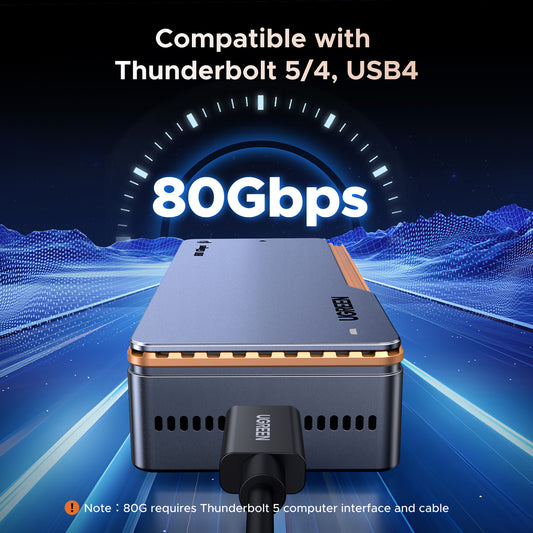
UGREEN 80Gbps 8TB M.2 NVMe SSD Enclosure
Regular price £199.99Sale price £199.99 Regular priceUnit price per£199.99

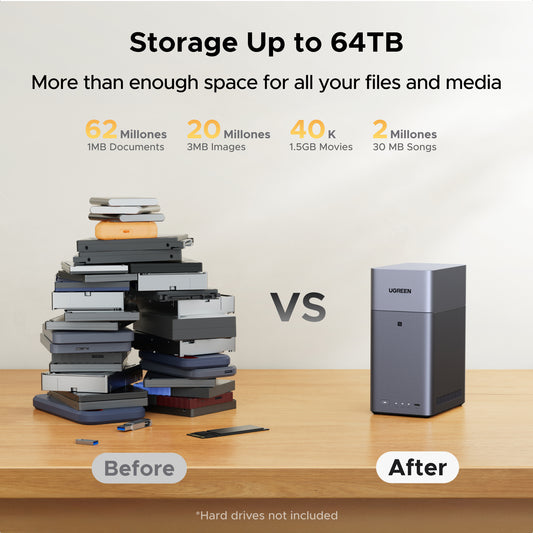

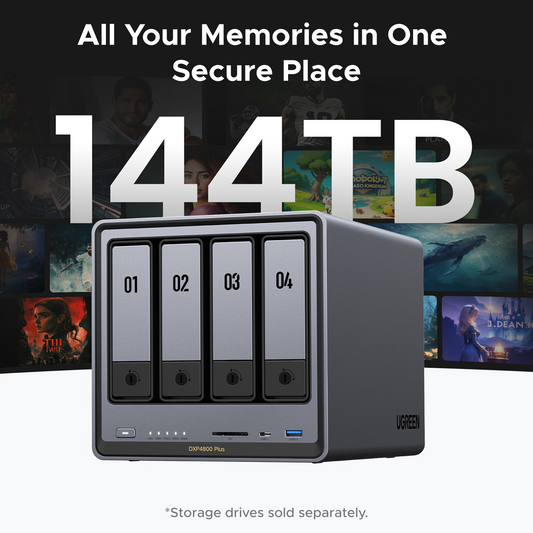

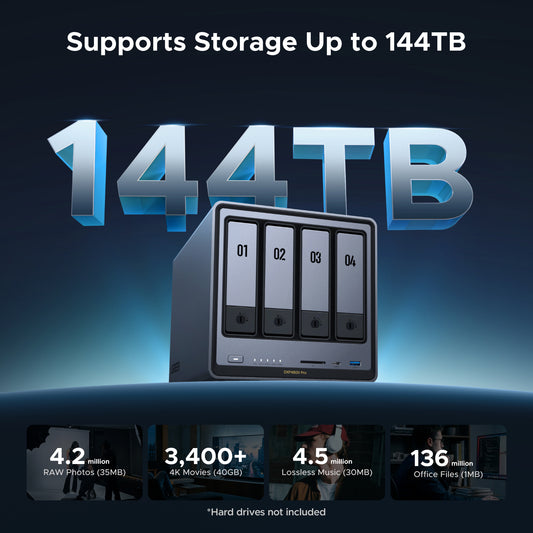

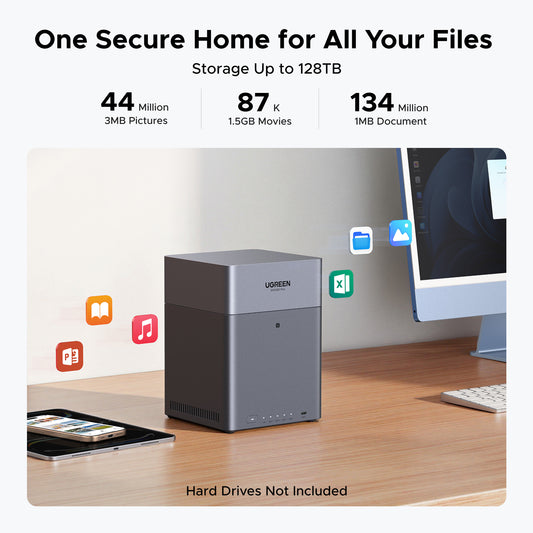

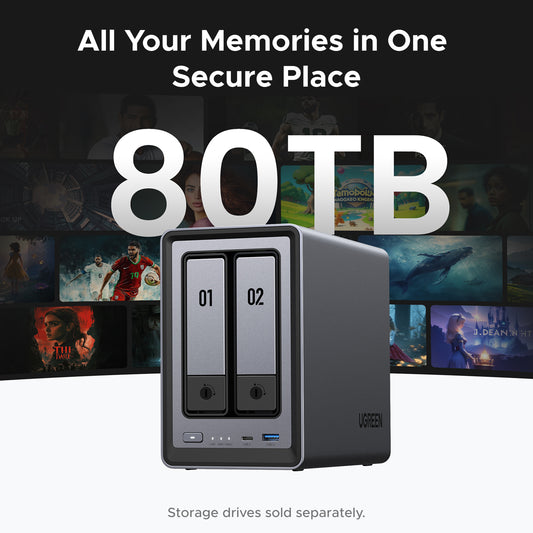

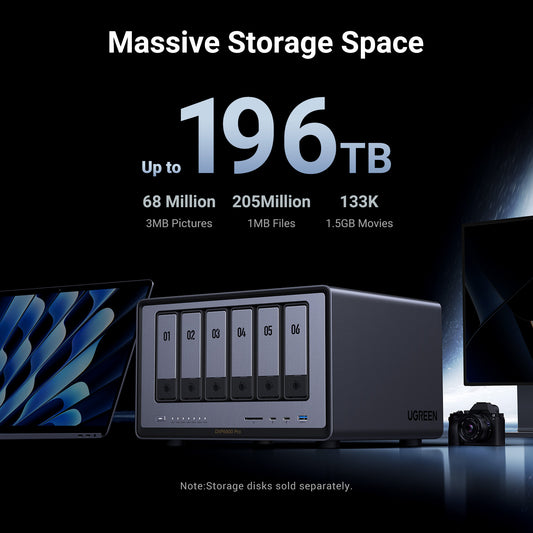

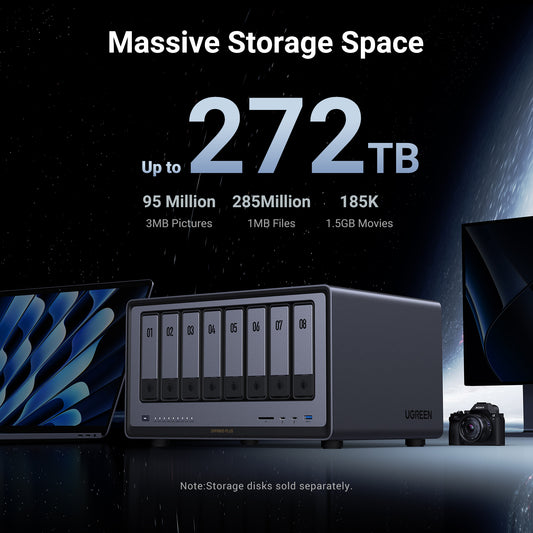

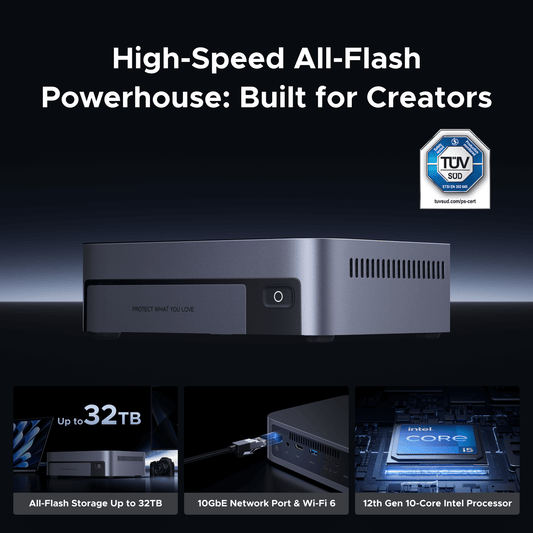


Your Data, Your Home, Your Rules.

Your Media. No Subscriptions. No Limits.

Create fearlessly. Store securely. Work at lightning speed.

Stop Paying Rent.

FAQs About NAS Storage
For a seamless Plex experience, prioritize a NAS with a high-performance processor, hardware transcoding support, and ample RAM. Click here to find the most suitable NAS for setting up Plex.
Minimize NAS noise by placing it on vibration-dampening pads, using low-RPM HDDs (e.g., WD Red Pro), and ensuring proper ventilation. Enabling silent fan modes and upgrading to SSDs can also help.
Learn how to enhance your NAS with 5 powerful apps for secure backups, easy file syncing, and remote access at home—find out more.
Network-attached storage (NAS) is a dedicated file storage solution that connects to a local area network (LAN), allowing multiple users and devices to access and share files seamlessly. It combines hardware and software with protocols like NFS, SMB, or AFP to enable centralized file sharing. NAS devices, which can be scaled up by adding more storage drives, often support redundant storage configurations like RAID for data integrity. Managed through a browser-based utility, NAS systems provide fast, secure, and reliable storage services, making them ideal for both home and enterprise environments where efficient file sharing and data management are crucial. Read more: What is NAS Storage?
NAS devices connect to your network via Ethernet or Wi-Fi, creating a local area network (LAN). They use file-sharing protocols like NFS and SMB/CIFS to allow multiple users to access stored data simultaneously. See more: How Does NAS Work?
Yes, you can access your NAS storage remotely through several methods, each with different levels of security and ease of use:
VPNs
Most secure method using either built-in NAS VPN services or router VPN capabilities.
- Pros: Highest security level
- Cons: More complex setup
Port Forwarding
Direct connection method that requires router configuration.
- Pros: Fastest connection speeds
- Cons: Requires technical knowledge, potentially less secure if not properly configured
The best method depends on your needs: choose VPN for security, or port forwarding for speed.
NAS-specific hard drives, such as WD Red or Seagate IronWolf, are recommended for their reliability and performance in always-on, multi-user environments.
NAS offers faster local access, one-time costs, and complete control over your data, while cloud storage provides off-site backup and easier remote access. Read more: NAS vs Cloud Storage.
RAID (Redundant Array of Independent Disks) is a technology that combines multiple drives for improved performance and data protection. It's crucial for ensuring data redundancy in NAS systems.
Yes, NAS devices can install and run media server applications like Plex, Emby, and Kodi. Plex is widely used,offering both free and premium features for streaming media to various devices. Emby provides similar functionality with better Kodi integration, while Kodi works as a media player accessing your NAS files directly. The performance of these applications, especially for transcoding, will depend on your NAS's hardware capabilities. For optimal performance with 4K content or multiple simultaneous streams, consider the DXP4800 Plus with its 12th generation 5-core Intel processor.