


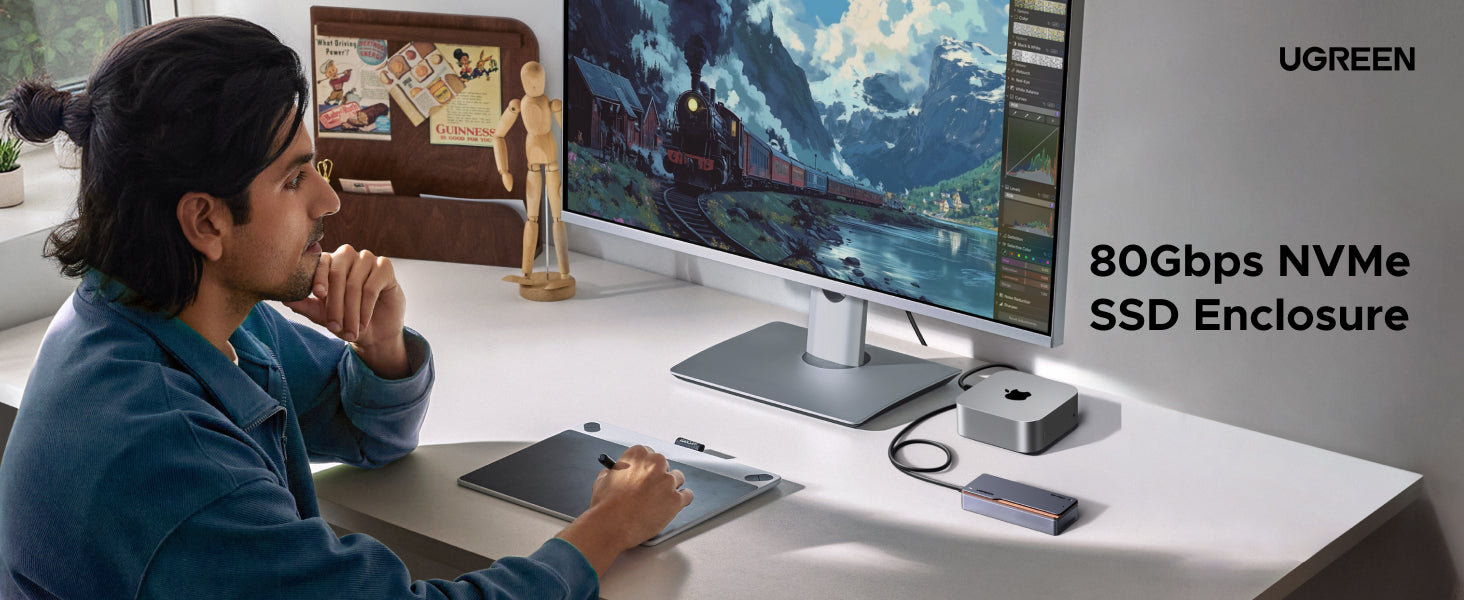
UGREEN 80Gbps 8TB M.2 NVMe SSD Enclosure
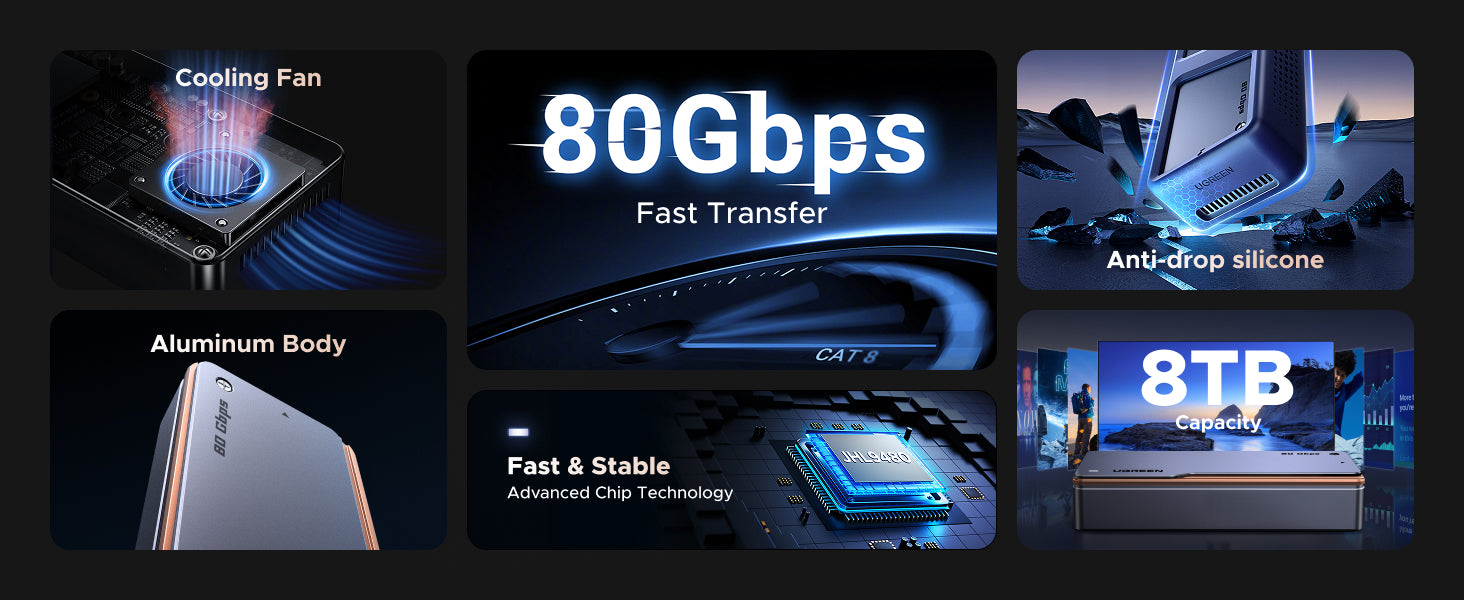
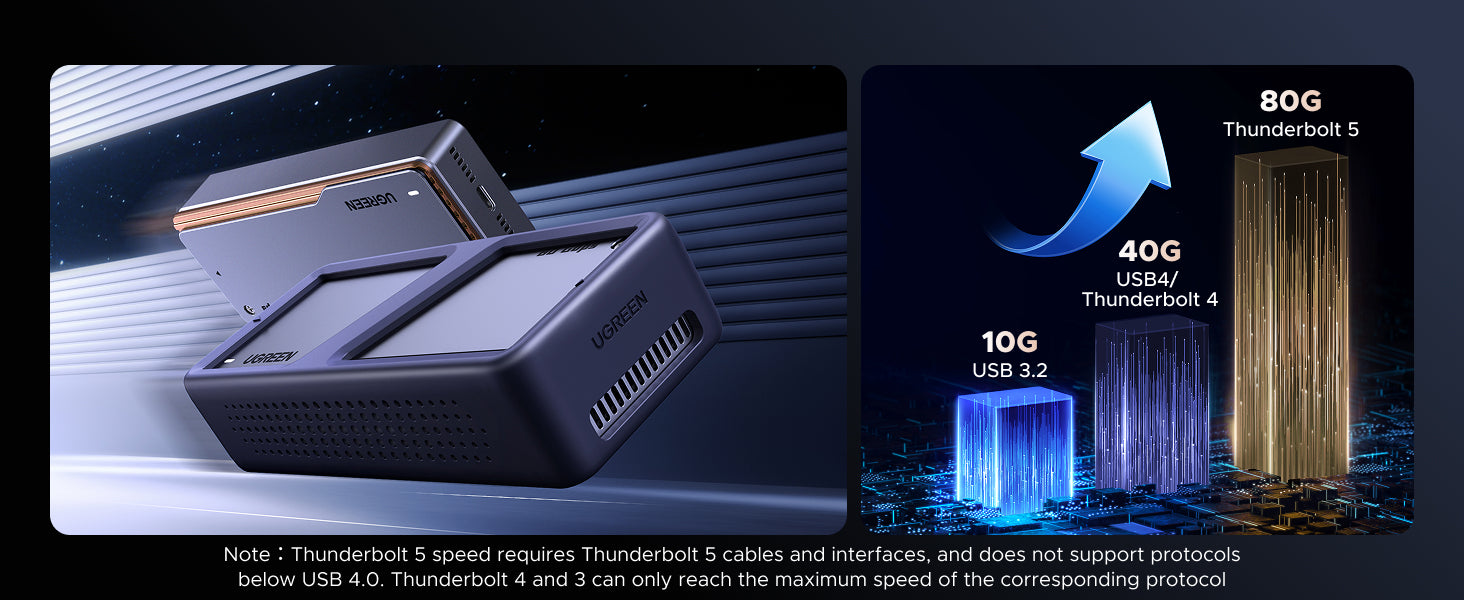
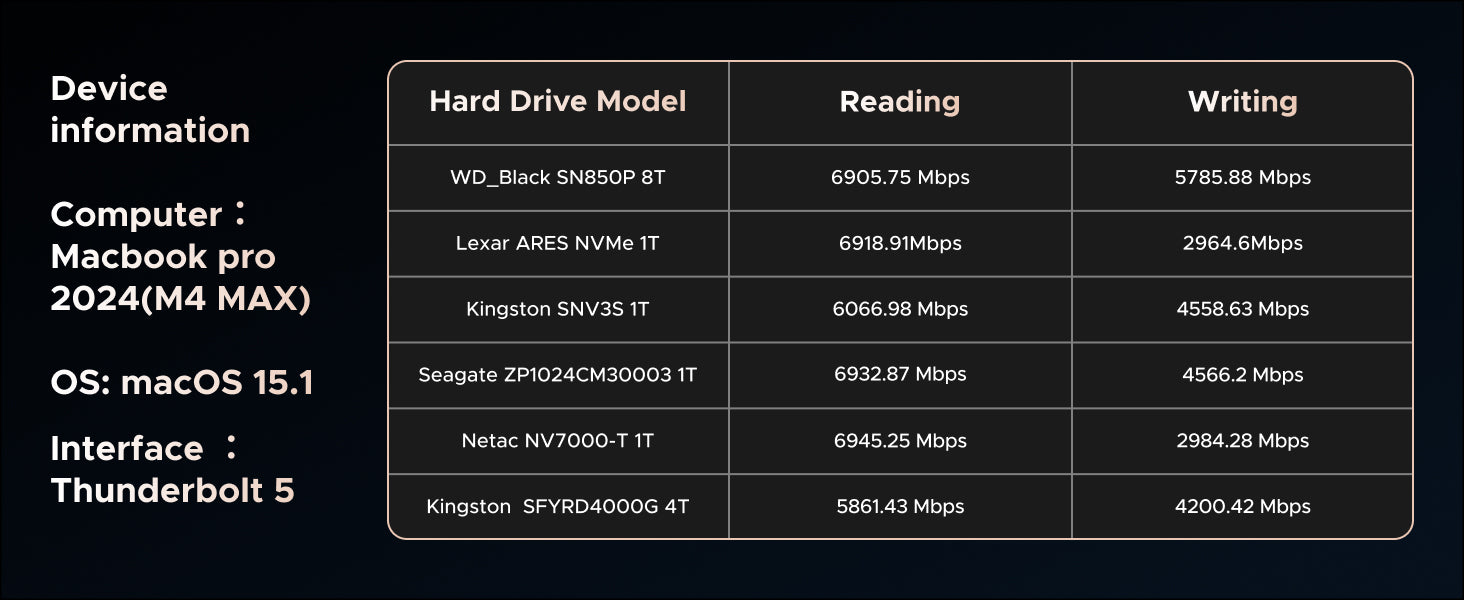
- 2x Faster Than Thunderbolt 4: This UGREEN NVMe SSD Enclosure compatible with Thunderbolt 5 supports read & write speeds up to 7000 MB/s, achieve ultra-efficient workflows with 80Gbps bandwidth, enabling transfers of a 100GB 8K video file in under 15 seconds.
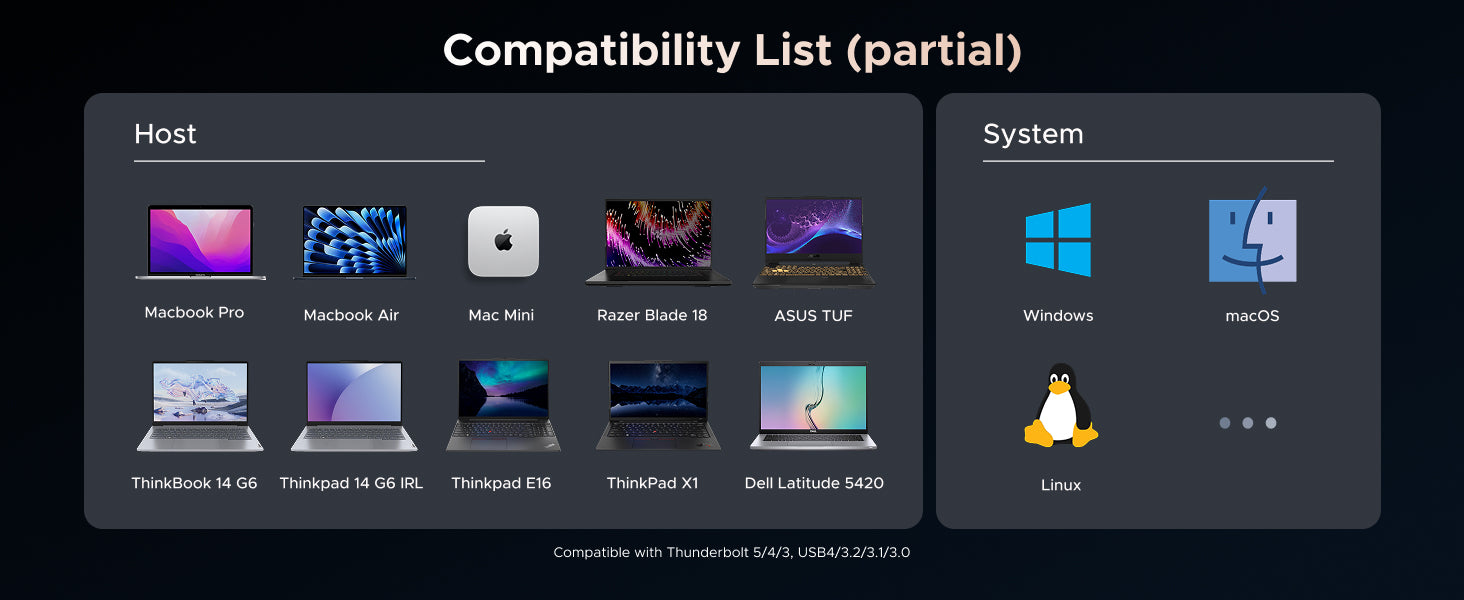
- Advanced JHL9480 Chip: UGREEN 80Gbps NVMe enclosure built with latest JHL9480 chip, not only fast but also stable! Compatible with Windows、Linux、MacOS.
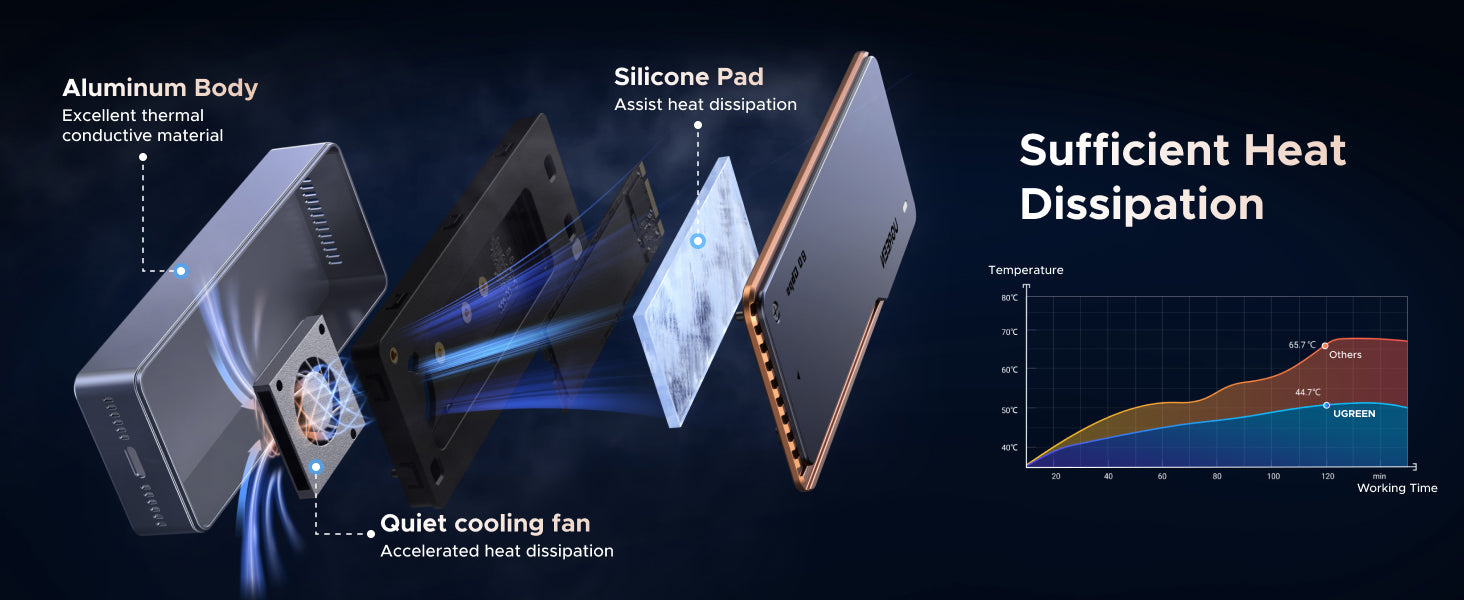
- Extreme Heat Dissipation:This SSD enclosure with a built-in PWM Turbofan, which is quiet but powerful. Automatically adjust the fan speed according to the internal temperature to quickly discharge the heat generated by the SSD. Reduce SSD temperature to stabilize speed and extend life. (Note: It will only turn when the internal temperature reaches 40°C)
- Designed for TB5: Compatible with Thunderbolt 5 and USB4 V2.0 for top speeds, and is backward compatible with Thunderbolt 4, USB4 V1.0. Perfectly supports MacBook Pro M4 Pro / M4 Max, Mac Mini M4 Pro. (Not compatible with Thunderbolt 3, USB 3.2, 3.1, 3.0 and USB2.0.)
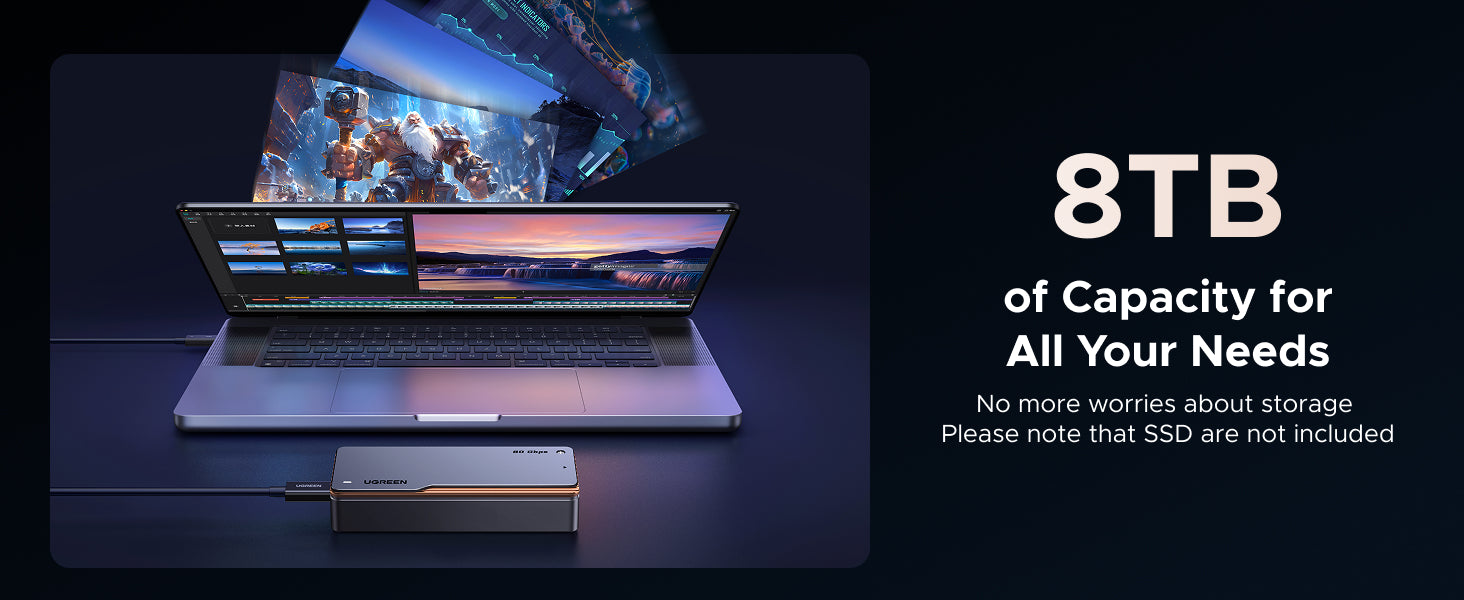
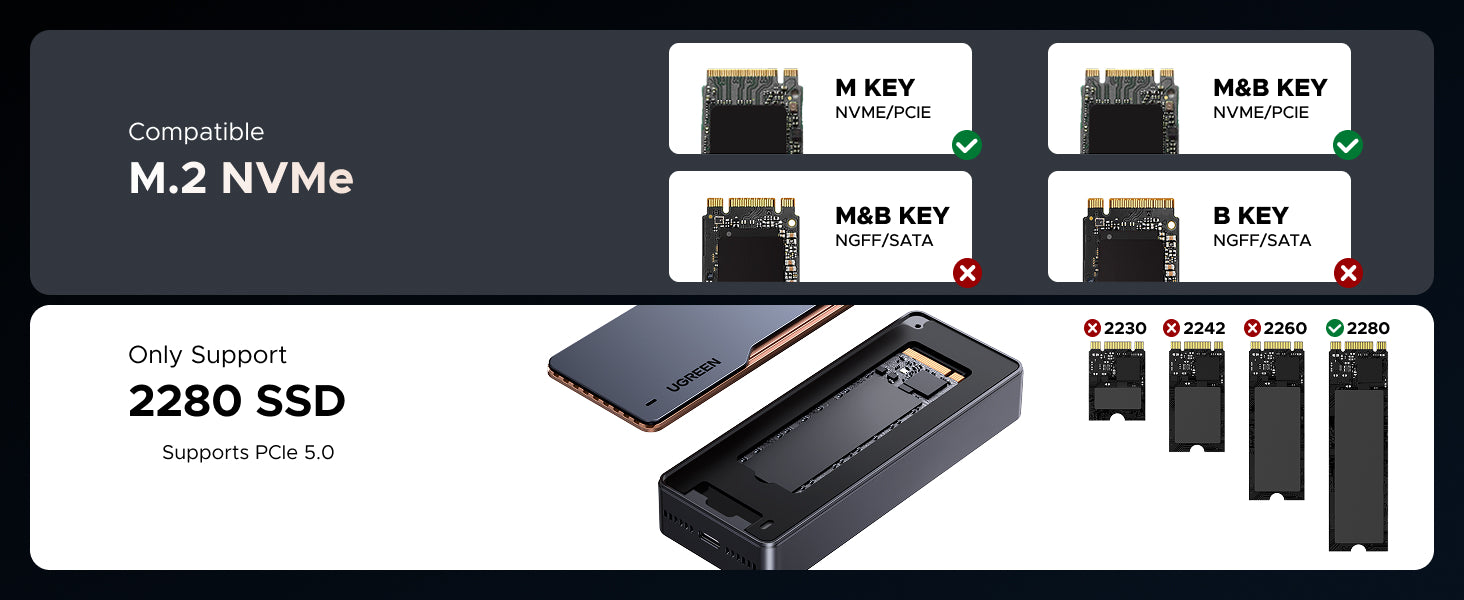
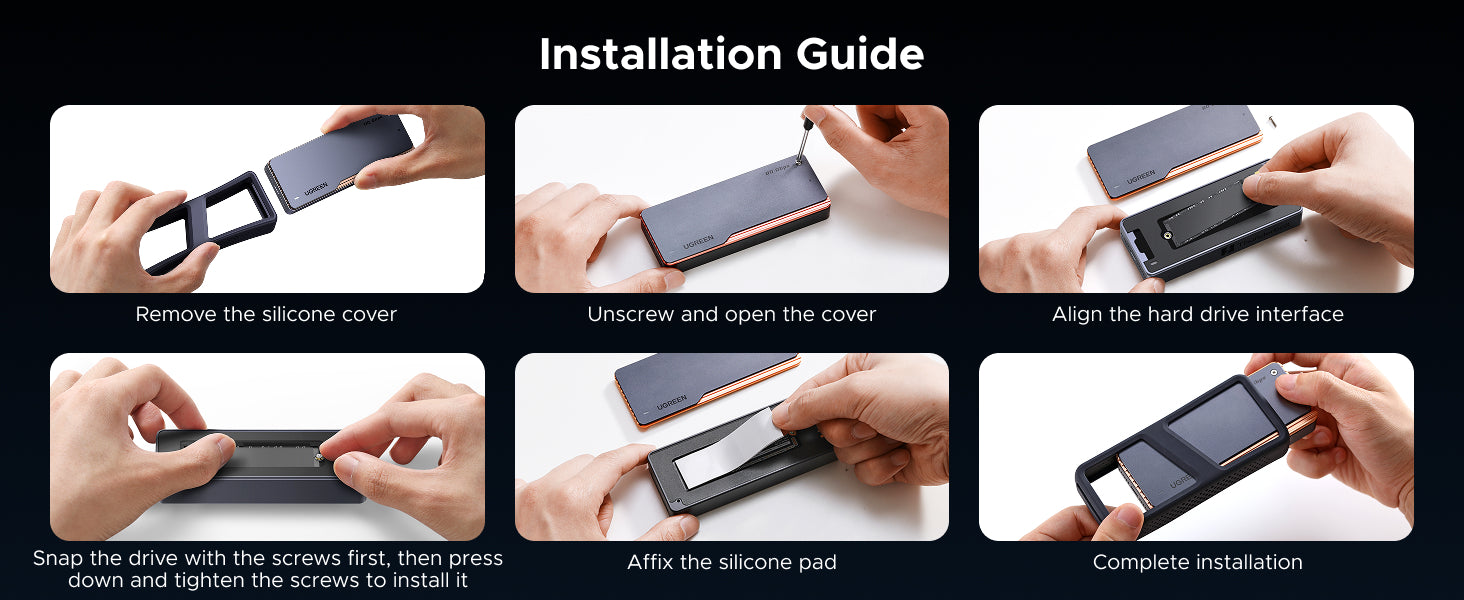
- Wide Compatibility: The UGREEN NVMe M.2 SSD enclosure ONLY supports M Key and M+B Key NVMe solid-state drives in sizes 2280, with a maximum supported capacity of 8TB. Compatible with Crucial WD Kingston Integral, etc. Note: DOES NOT SUPPORT (B-KEY) and (M&B)-KEY SATA NGFF SSD
- Compact & Portable: This ultra-slim aluminium external NVMe enclosure with extra silicone case is portable yet durable, and much easier to carry with this M.2 to USB adapter, making it ideal for travelling.
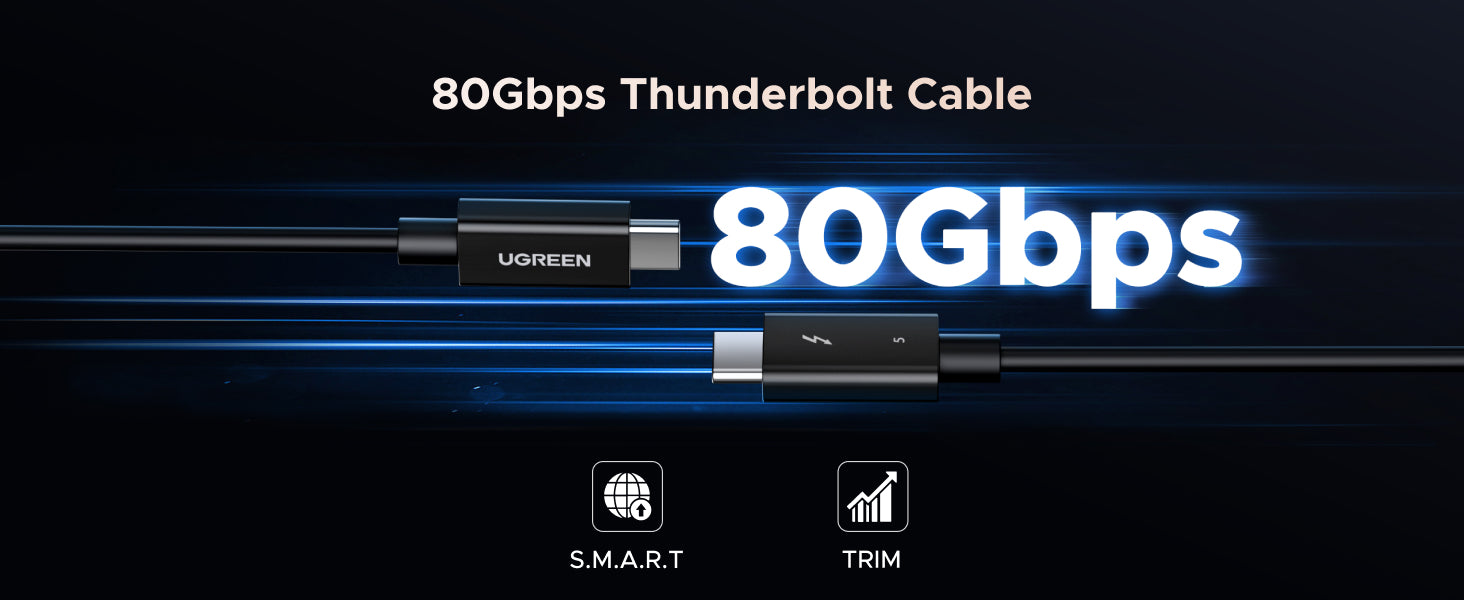
- Warm Tips: TB4 devices (e.g., Mac Mini M1) may experience compatibility issues with TB5 cables, please update to the latest macOS version or use a TB4 cable instead.
- Note: NOT compatible with PCIe GEN 5 SSD(e.g., SSD 9100 PRO 2TB / 4TB).
Couldn't load pickup availability
 Shipping & Delivery Timeline
 30-Day Price Match
 2-Year Product Warranty
 30-Day Returns














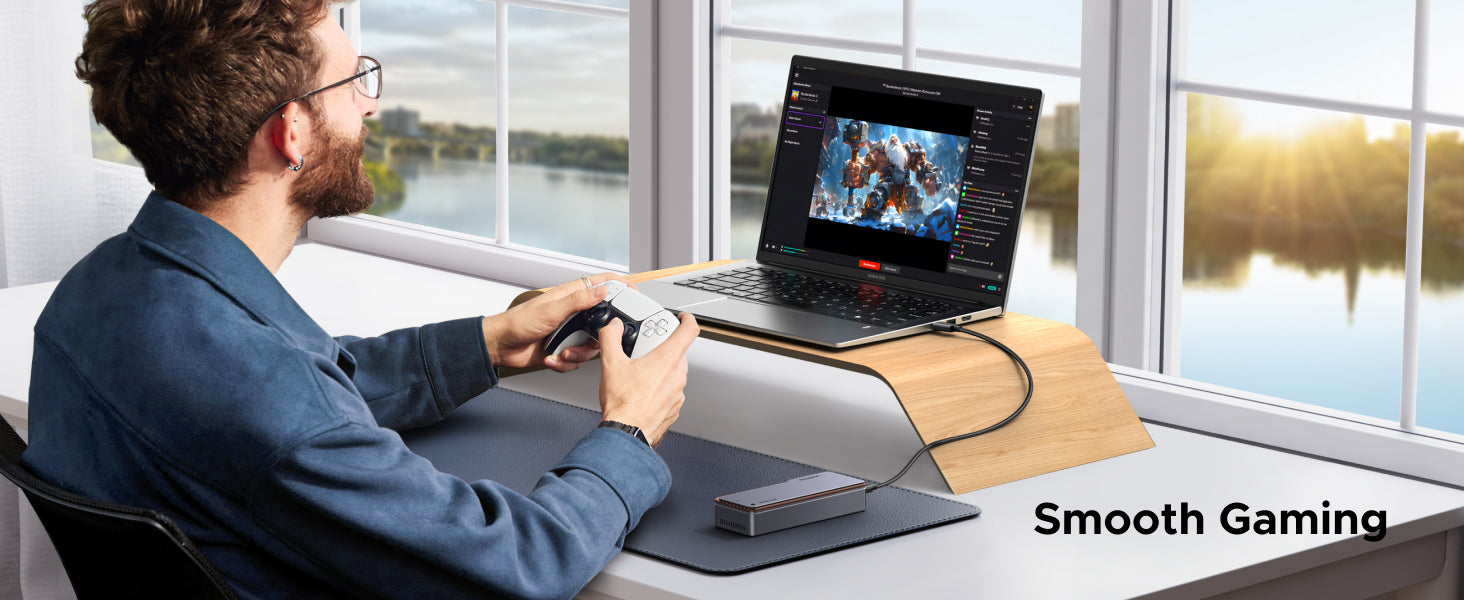
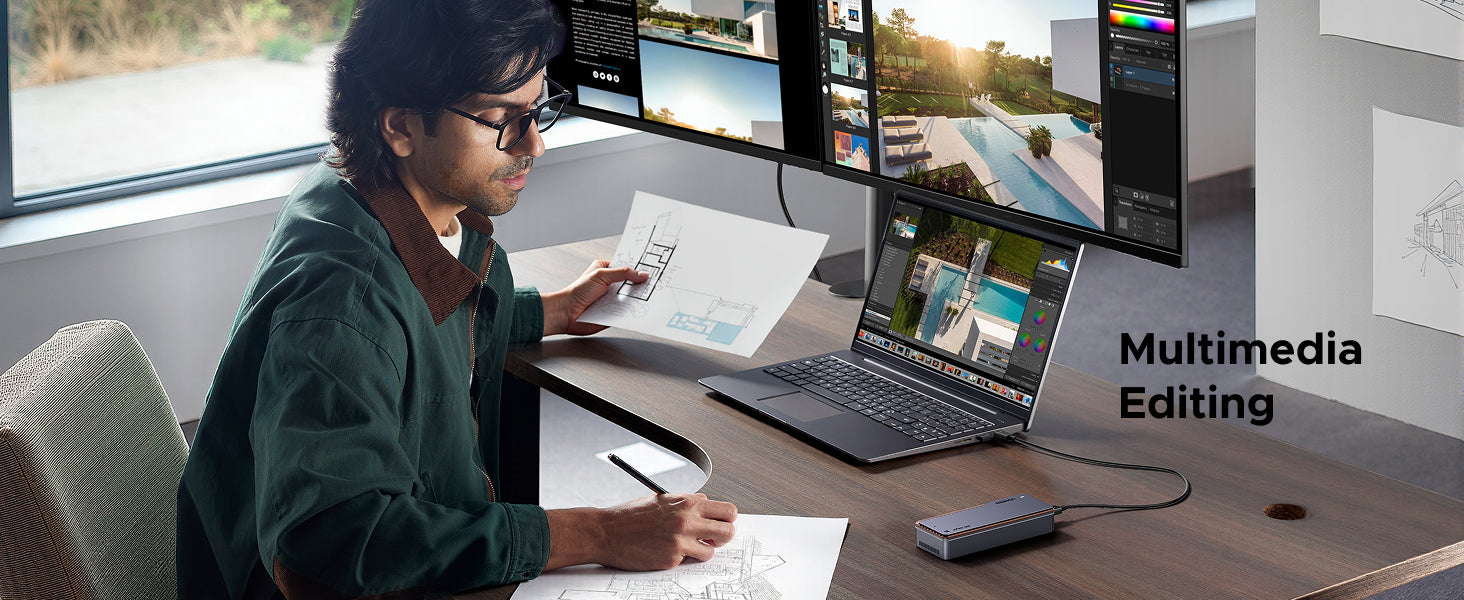
Corporate work
Smooth Gaming
Multimedia Editing
FAQ
1. Verify that the product, hard drive, and computer are properly connected and that the hard drive is installedcorrectly.
2. A new hard drive needs to be partitioned and formatted for the first time; otherwise, the computer won'trecognize the drive letter.
3. Verify that the hard drive format matches the system's supported format. If not, format the hard drive to one that the system supports. *Hard drive formats: Windows supports NTFS/exFAT/FAT32; Linux and macOS support exFAT.
4. Test by connecting the enclosure to another Type-C port on the computer.
5. Replace the product cable and test by connecting it to the computer
6. Replace the hard drive and test by connecting it to the product.
7. Test by connecting the enclosure and hard drive to another computer.
This is normal. Large files are written continuously, so the speed can reach the maximum(sequential read/write). Small files are scattered and require more system processing (random read/write),so the speed is lower.
This is normal if write caching is not enabled. Please go to [ Device Manager ] [ Disk drives ]>[ Properties ]> [ Policies ] and select [ Better performance ] and [ Enable write caching on the device ].
After enabling this option, the write speed can increase significantly.
This usually happens when the SSD is slightly thicker than standard models. If needed,you can use a thinner thermal pad to ensure stable.
Specs
| SKU | 45789 |
| Model | D705 |
| Hardware Interface | Thunderbolt |
| Hardware platform | Linux, Mac, Windows |
| Memory Storage Capacity | 8 TB |
| Data Transfer Rate | 80 Gigabits Per Second |
| Compatible Devices | M.2 NVMe SSDs |
| Standard Size of the Hard Drive | 22 Millimetres |
| Supported Devices Quantity | 1 |
| Material | Aluminium |